Gaggenau Microwave Diagnostic Test
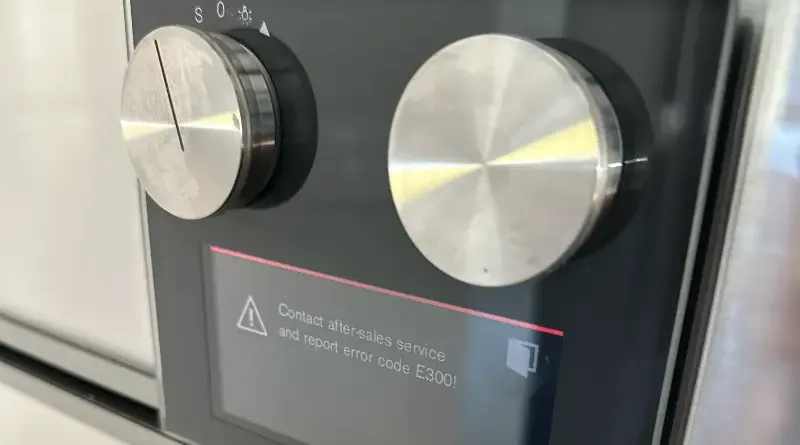
Gaggenau Microwave Diagnostic Test
Running Gaggenau microwave diagnostic test helps identify potential issues that require repair or maintenance. Gaggenau appliances are known for their advanced technology, and the diagnostic mode allows you to identify faults efficiently.
How to enter Diagnostic Mode
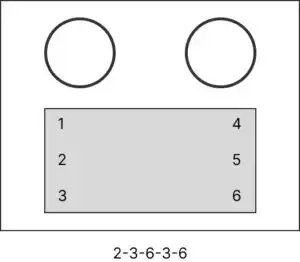
To enter the diagnostic mode, ensure the microwave is plugged in but not operating. Begin by pressing a specific sequence of buttons. 2-3-6-3-6. After accessing service test mode, turn the left knob to the “S” position, and by turning the right knob select the test function.
If a fault code appears, refer to the manual or Gaggenau online support for interpretation. Some issues can be resolved by resetting the microwave, while others may require professional assistance. After completing diagnostics, exit the test mode.
Always prioritize safety. Unplug the microwave before performing physical inspections or repairs. For complex problems, contact our Gaggenau technician to ensure quality service and preserve the appliance’s longevity.
Conclusion
If you not comfortable performing the diagnostic test or if the issue persists, contact MD Appliance LLC for professional Gaggenau microwave repair services. Contact us today to schedule a service call.